In e-commerce sales, many tasks are repeated every day – changing order statuses, generating shipments, sending messages to customers, or issuing documents. Ordeno allows you to automate these processes thanks to an extensive system of automatic actions.
Automations work on the “if X happens – do Y” principle. The system can monitor specific events in orders, products, or logistical processes, and then automatically perform scheduled actions.
This allows you to significantly speed up order fulfillment, reduce manual work, and lower the risk of errors through an advanced automatic actions module.
Automating daily processes
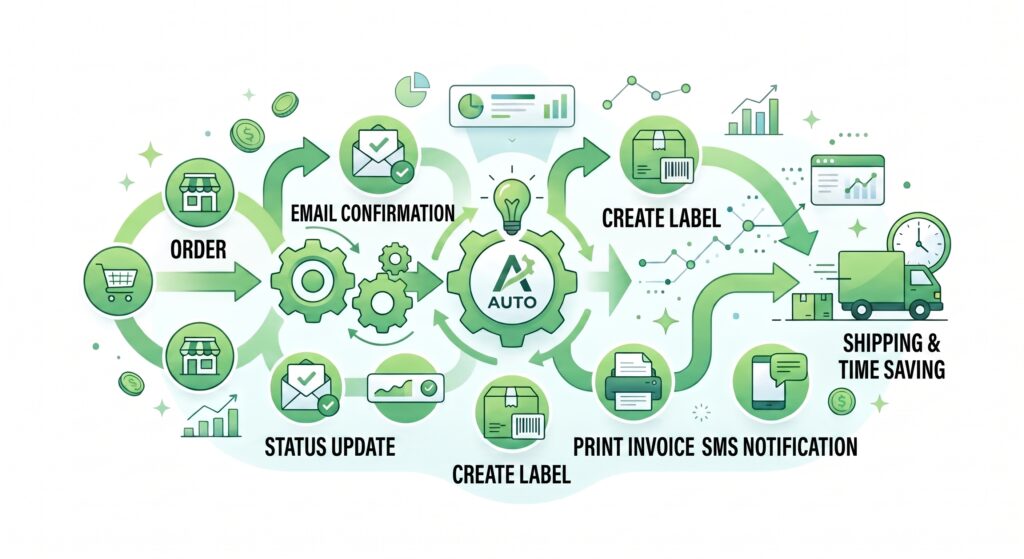
In Ordeno, you can create your own automation scenarios tailored to the way your company operates. The system allows you to react to various events in the sales process and perform linked actions without user intervention.
Automatic actions can be triggered, among other things:
when a new order appears
after an order status changes
after a shipment is created
after a delivery status changes
after a specific warehouse operation is performed
Examples of automatic action applications
Automatic order processing
One of the most common applications of automation is handling new orders. The system can automatically analyze orders and assign them appropriate statuses or route them to the correct fulfillment stages.
Automatic actions can, among other things:
change the order status
assign an order to a specific fulfillment process
mark orders with tags or flags
add extra information or notes
This helps organize team workflows and speed up the handling of large order volumes.
Automatic shipment creation
Ordeno can also automatically prepare order shipments. Once specified conditions are met, the system can create a shipment within the chosen courier integration and generate a shipping label.
Automations can account for, for example:
the delivery method chosen by the customer
the order status
parcel parameters
the selected carrier
As a result, generating consignment notes requires no manual work.
Automatic customer communication
The system also allows you to automate communication with buyers via email or marketplace chat. You can create various message templates and schedule their sending at specific stages of the fulfillment process.
Automatic messages can include, among other things:
order receipt confirmation
shipping information
consignment note number and tracking link
sales document or other attachments
Delivery tracking and event reaction
Ordeno can monitor shipment statuses returned by courier integrations. Based on this information, the system can automatically perform subsequent actions.
For example, automations can:
change the order status once the parcel is delivered
send a delivery notification to the customer
flag an order where a logistics issue occurred
This allows you to react in real time to events in the delivery process.
Custom events and manual actions
In addition to system-triggered automations, Ordeno allows you to create custom events. These enable you to trigger a specific automatic action manually – with a single click, a keyboard shortcut, or by scanning a barcode.
This lets you quickly execute complex operations without going through multiple steps.
A flexible system tailored to your business
Every online store operates a bit differently. That is why automatic actions in Ordeno can be freely configured and combined into more complex scenarios.
As a result, the automation system can be perfectly tailored to your company’s processes – regardless of whether you handle dozens or several thousand orders a day.