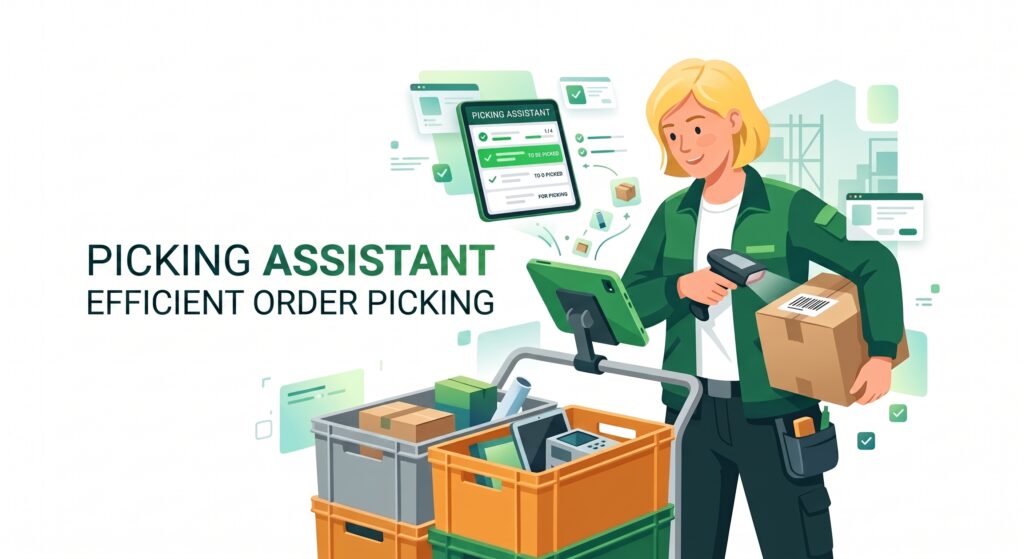
Efficient order picking in the warehouse has a huge impact on shipping speed. The picking assistant in Ordeno helps organize this process and guides the warehouse worker step-by-step through the list of products to be collected.
The system is designed to operate quickly, intuitively, and flawlessly – especially in a warehouse environment.
Flexible selection of orders for picking
Before starting the picking process, you can define which orders should be prepared. The system allows you to select several parameters so that picking fits your warehouse workflow.
Options include:
setting the number of orders to collect (e.g., 5, 10, or any custom number)
selecting an algorithm – oldest or newest orders
filtering orders by status
assigning the operation to a specific warehouse tote/basket
This enables the warehouse worker to start collecting orders matched to the current fulfillment strategy.
Clear interface for the warehouse
Once orders are selected, the system displays a simple, clear interface tailored for warehouse operations. Large buttons and a readable layout make it work exceptionally well on touchscreens.
Each product is displayed alongside key information:
product photo
name and description
SKU
EAN
current stock level
warehouse product location
This allows the picker to quickly locate the correct item.
Picking progress control
During picking, the system displays the required quantity of a given item and current progress.
For example:
the order includes 2 units of an item
the system starts at 0 / 2
after finding and scanning the product, 1 / 2 appears
after picking the second unit, 2 / 2 is displayed
Upon reaching the required amount, the system updates the product status to indicate it has been successfully picked for the order.
This gives warehouse workers a clear overview of collected items.
Picking with a barcode scanner
Products can be confirmed manually or by scanning barcodes. Scanning a product barcode automatically increases the picked item counter.
This solution helps you:
verify that the correct product is being picked
speed up warehouse operations
minimize mistakes
Scanning is particularly useful in warehouses handling large product catalogs.
Totes and warehouse work organization
When initiating a picking session, you can assign the operation to a specific warehouse tote (basket). The tote represents the physical container or cart that the worker takes through the warehouse to store collected items.
Benefits include:
picking multiple orders simultaneously
effortlessly placing items into the correct tote
maintaining a structured warehouse workflow
Integration with packing stations
The picking process can also be linked directly to a specific packing station. Once picking is complete, orders assigned to a given tote can be transferred to the appropriate station.
The packer can then open these orders in the packing assistant by simply:
scanning the tote barcode
selecting the tote from a list in the system
This ensures the entire process – from warehouse picking to package packing – remains seamless and well-organized.
Faster order picking
The picking assistant in Ordeno brings structure to warehouse operations and significantly accelerates order prep for shipping. An intuitive interface, barcode scanner support, and seamless packing process integration make order picking fast, convenient, and reliable.